
UPRTOU Enrolment Number – Student Corner Search and Samarth Portal Login
UPRTOU provides a dedicated ‘Find Enrollment No’ option on its Student Corner page to help learners access enrolment details. Students can also use their UPRTOU enrolment number and programme name on the Samarth portal to reset passwords.
- UPRTOU offers a ‘Find Enrollment No’ feature on its Student Corner web portal.
- Students use their UPRTOU enrolment number and selected programme title to reset passwords on the Samarth portal.
- Every UPRTOU distance learner must create an ABC ID via DigiLocker to generate a mandatory DEB ID.
- A DEB ID remains valid for UPRTOU students across their entire distance education lifecycle.
On this page
- How do students find their UPRTOU enrolment number online?
- How do students use an UPRTOU enrolment number on the Samarth portal?
- Which programmes require an UPRTOU enrolment number for student login?
- What mandatory IDs are needed alongside an UPRTOU enrolment number?
- UPRTOU pages you will need
- Download the official documents
- Questions students ask
- More on Student Services
Fast facts
| Enrolment Search Portal | UPRTOU Student Corner |
|---|---|
| Samarth Portal Identifier | UPRTOU Enrolment Number |
| Mandatory ID for ODL | DEB ID & ABC ID |
| DEB ID Validity | Entire ODL Learning Lifecycle |
How do students find their UPRTOU enrolment number online?
UPRTOU provides a dedicated “Find Enrollment No” option on the UPRTOU Student Corner page for learner identity retrieval.
Learners can access this section to locate student services, roll lists, and the Learner Information Management System.
UPRTOU has not published explicit field-by-field search guidelines for searching enrolment numbers directly by student name on its site as of 05 October 2026.
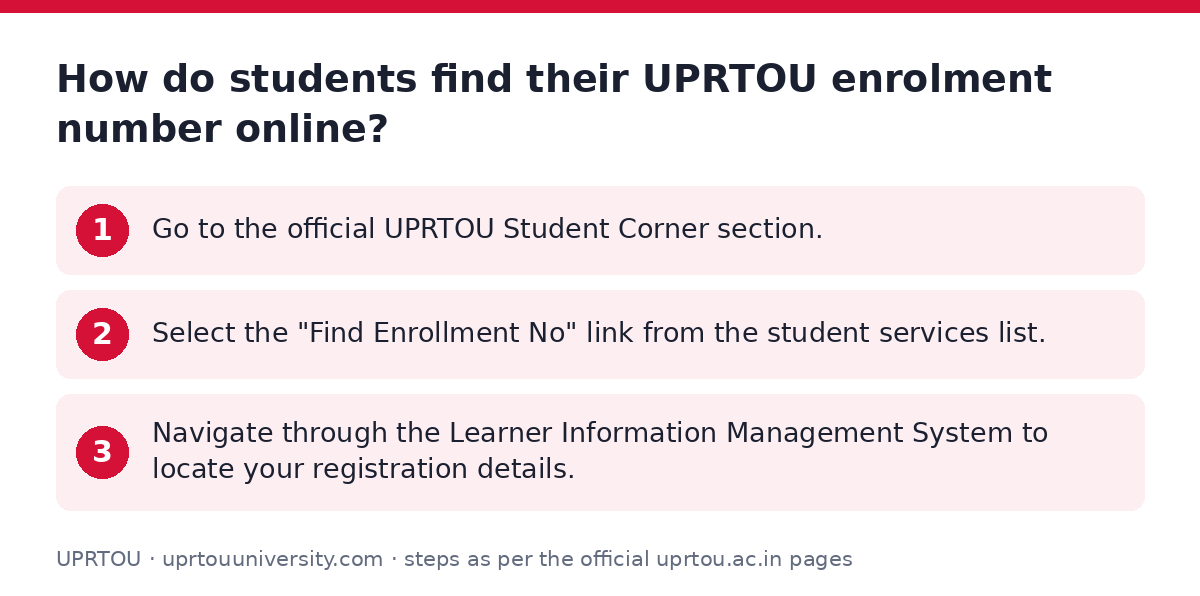
- Go to the official UPRTOU Student Corner section.
- Select the “Find Enrollment No” link from the student services list.
- Navigate through the Learner Information Management System to locate your registration details.
How do students use an UPRTOU enrolment number on the Samarth portal?
UPRTOU students enter their enrolment number on the UPRTOU Samarth reset password page to recover login credentials.
The portal verifies your UPRTOU enrolment number alongside your selected programme title and session data.
- Open the UPRTOU Samarth password reset form.
- Choose your programme title from the “Select Programme” dropdown menu.
- Enter your official UPRTOU enrolment number in the designated field.
- Input your session data and click Submit to proceed.
Which programmes require an UPRTOU enrolment number for student login?
UPRTOU assigns enrolment numbers to all admitted learners across undergraduate, postgraduate, diploma, and certificate programmes.
When managing portal accounts, students must match their exact UPRTOU programme code and full name with their enrolment number.
Sample UPRTOU Programme Codes and Titles
| Programme Code | Full Programme Name |
|---|---|
| ODL54627 | MASTER OF BUSINESS ADMINISTRATION |
| ODL54604 | BACHELOR OF ARTS |
| ODL54601 | BACHELOR OF COMMERCE |
| ODL54628 | MASTER OF COMPUTER APPLICATIONS |
| CCC | Certificate in Computer Course |
What mandatory IDs are needed alongside an UPRTOU enrolment number?
UPRTOU distance learners must register an Academic Bank of Credits (ABC) ID and a Distance Education Bureau (DEB) ID.
Students generate an ABC ID using DigiLocker and use it to register on the DEB ID portal.
The DEB ID is valid across the entire lifecycle of distance learning at UPRTOU.
- Create an ABC ID using your mobile number and DigiLocker account.
- Visit the DEB ID portal and enter your ABC ID.
- Verify your name, gender, and birth year details on your APAAR card.
- Submit your details and authentication ID to generate your unique DEB ID.
UPRTOU pages you will need
| What you can do | Official page |
|---|---|
| Find enrolment number on Student Corner | uprtou.ac.in/student_corner.php |
| Register for mandatory DEB ID | deb.ugc.ac.in/StudentDEBId |
| Login to Samarth admission portal | uprtouadm.samarth.edu.in/index.php/site/login |
| Reset Samarth student password | uprtou.samarth.edu.in/index.php/studentlogin/registration/ |
Download the official documents
- Learners to fill ABC Registration Form (Step by Step Guide) PDF — Step-by-step guide for learners filling ABC registration forms
- View PDF — User manual for Academic Bank of Credits student registration
Questions students ask
How can I find my UPRTOU enrolment number?
You can access the “Find Enrollment No” option on the UPRTOU Student Corner page. This tool is listed alongside the Learner Information Management System.
Can I search for my UPRTOU enrolment number by name?
UPRTOU has not published explicit name-search guidelines on its site as of 05 October 2026. Learners should use the “Find Enrollment No” portal option on the official Student Corner page.
Where do I enter my UPRTOU enrolment number to reset my password?
Enter your enrolment number on the UPRTOU Samarth reset password page. Select your programme, enter the enrolment number, provide session data, and submit.
Is a DEB ID required for admission to UPRTOU distance programmes?
Yes, learners cannot enrol in any Open and Distance Learning programme without a valid DEB ID. You must create the DEB ID using your ABC ID.
How long remains a DEB ID valid for an UPRTOU student?
A DEB ID remains valid across the entire lifecycle of distance learning. Once created, you can use it throughout your studies at UPRTOU.
What details are needed to create a DEB ID for UPRTOU distance learning?
You need an ABC ID, Aadhaar name, birth year, gender, document authentication proof, mobile number, and email address to generate a DEB ID.