UPRTOU Enrollment Number July 2026 Released: How to Find on Samarth Portal
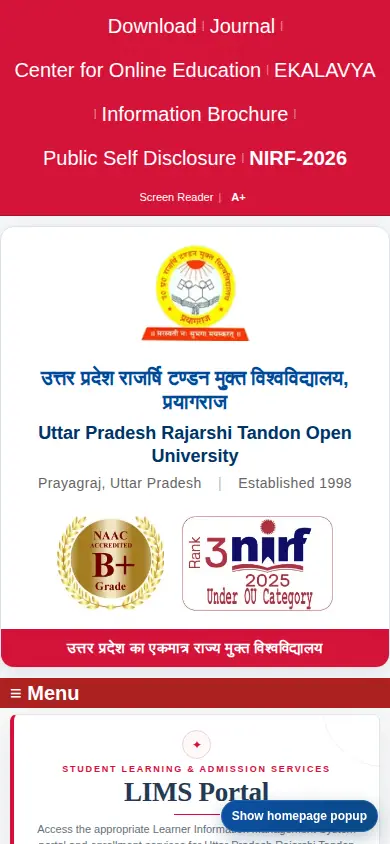
Uttar Pradesh Rajarshi Tandon Open University (UPRTOU) has enabled the online facility for students admitted in the July 2026 session to find their enrollment numbers on the Samarth portal. Enrolled learners across undergraduate, postgraduate, diploma, and certificate programmes can now locate their enrollment details through the official university LIMS and Samarth portals.
On this page
UPRTOU Enrollment Number July 2026: Key Highlights
Students who secured admission to UPRTOU for the July 2026 academic session can now retrieve their official enrollment numbers online. The facility has been integrated into the university’s LIMS portal and Samarth eGov portal.
UPRTOU July 2026 Enrollment Details at a Glance
| Particulars | Details |
|---|---|
| University Name | Uttar Pradesh Rajarshi Tandon Open University (UPRTOU), Prayagraj |
| Session | July 2026 |
| Facility | Find Enrollment Number |
| Portals Applicable | Samarth Admission Portal / LIMS Portal |
| Official Section | Student Corner / Find Enrollment No for Student Enrolled in July 2026 on Samarth Potal |
How to Find UPRTOU Enrollment Number July 2026
Enrolled students can follow the official steps outlined on the portal to find their enrollment number for the July 2026 session:
- Visit the official university portal or navigate directly to the Student Corner section.
- Click on the link for Find Enrollment No for Student Enrolled in July 2026 on Samarth Potal.
- You will be redirected to the LIMS / Samarth student admission interface.
- Select your enrolled programme from the dropdown menu (e.g., BA, B.Sc, B.Com, MA, M.Sc, Diploma, or Certificate course).
- Enter your registered details or enrollment credentials as prompted on the page.
- Submit the form to view and save your official enrollment number.
Programmes Covered
The enrollment number retrieval facility applies to various courses offered by UPRTOU under the Samarth portal framework.
Programmes Listed Under Samarth Portal System
| Category | Programmes |
|---|---|
| Awareness & Certificate | APCO-19, APKD, APPR, CAA, CASC, CCC, CCSS (Arts – Ancient History, Economics, Education, English, Geography, Hindi, History, Public Administration, Philosophy, Political Science, Sanskrit, Sociology, Urdu), CCY, CDM, CDNE, CGST, CHR, CKS, CRJMC, CWED |
| Diploma | DDM, DECE, DHRM, DKK, DPM, DRD, DYO |
| Undergraduate (ODL) | Bachelor of Commerce (ODL54601), Bachelor of Library & Information Science (ODL54602), Bachelor of Arts (ODL54604), Bachelor of Science (ODL54605), Bachelor of Business Administration (ODL54606), Bachelor of Computer Applications (ODL54635) |
| Postgraduate (ODL) | Master of Arts (Hindi, Education, Ancient History & Archaeology, Statistics, Urdu, English, History, Sociology, Political Science, Philosophy, Sanskrit, Geography, Journalism and Mass Communication, Economics, Home Science, Public Administration, Mathematics), Master of Science (Statistics, Computer Science, Environmental Science, Mathematics, Zoology, Botany), M.Com (ODL54614), MLIS (ODL54622), MSW (ODL54624), MBA (ODL54627), MCA (ODL54628) |
Other UPRTOU services students check
What Students Should Do Next
After obtaining the enrollment number, learners should proceed with the following actions on the official website:
- Note down and safely store the allocated enrollment number for future academic references.
- Use the enrollment number to log into the LIMS Portal or Samarth Student Portal.
- If required, reset or update account access details on the Reset Password page by choosing the respective programme and submitting the enrolment number.
- Access student services such as Download Self Learning Material (SLM), counselling schedules, and assignment papers via the Student Corner.
Fast facts
- University: Uttar Pradesh Rajarshi Tandon Open University (UPRTOU)
- Event: Find Enrollment Number Facility
- Session: July 2026
- Portal Mode: Online (Samarth Portal / LIMS Portal)
Questions Students Ask About UPRTOU
How can students find their UPRTOU July 2026 enrollment number?
Students admitted for the July 2026 session retrieve their enrollment number online through the official LIMS or Samarth eGov admission interface. Learners must visit uprtou.ac.in, open the Student Corner, and click Find Enrollment No for Student Enrolled in July 2026 on Samarth Potal. After selecting their registered programme and entering user credentials, the allocated enrollment number appears on screen. If retrieval fails, students must double-check their registration details or contact the help desk for assistance.
Which details are required to search for the enrollment number?
Searching for a July 2026 enrollment number requires selecting the registered programme and submitting the required user credentials on the Samarth portal. Learners access the submission form at uprtou.samarth.edu.in, choose their course code from the dropdown menu, and enter their enrolment credentials. This verification process grants immediate access to official student records, assignments, and portal services. If incorrect details prevent form submission, candidates must recheck their original registration receipts or reset their portal login credentials.
What programmes are included in the Samarth portal system?
The Samarth portal system covers undergraduate, postgraduate, diploma, and certificate programmes offered by UPRTOU for the July 2026 academic session. Available options include undergraduate degrees like Bachelor of Arts (ODL54604) and Bachelor of Commerce (ODL54601), plus postgraduate courses like Master of Arts and Master of Science. Certificate courses like Certificate in Computer Course (CCC) and diplomas like Diploma in Yoga (DYO) are also integrated. If a specific program does not appear in the dropdown menu, learners must contact administrative authorities.
Where can students reset their portal password using the enrollment number?
Students reset their account credentials directly on the Samarth eGov portal via the official Reset Password webpage. To complete this action for the July 2026 session, learners navigate to uprtou.samarth.edu.in, select their respective academic programme, and enter their assigned enrolment number. The system then processes the request to issue new account access credentials for student services. If password recovery fails, candidates should verify their enrolment number or visit the LIMS portal login interface.
Is a DEB ID mandatory for UPRTOU ODL programme admissions?
Yes, creating a DEB ID is mandatory for any student seeking admission to open and distance learning programmes at UPRTOU. This unique identification system ensures learners register only in distance education programmes recognized by the Distance Education Bureau and University Grants Commission. Students generate their DEB ID on the portal https://deb.ugc.ac.in by linking their active Academic Bank of Credits ID. If admission fails due to missing identification, candidates must register on DigiLocker to complete the required verification.
What is required to create a DEB ID for UPRTOU distance courses?
Generating a valid DEB ID requires a registered Academic Bank of Credits ID created through the student’s DigiLocker account. Learners must visit https://deb.ugc.ac.in, select student registration, and enter their verified ABC ID alongside personal details. The system cross-checks candidate information against national database records before issuing the unique identification number. If an error occurs during registration, students must fix their APAAR or ABC card details using the ABC support portal at support.abc.gov.in.
What is the validity period of a DEB ID for UPRTOU students?
A generated DEB ID remains valid across the entire life cycle of a student’s open and distance learning studies. This permanent validity allows learners to utilize the same identification when taking admissions in recognized distance or online academic programmes across different sessions. Students can also pursue two academic programmes simultaneously under applicable Distance Education Bureau regulations. If account details require update during their study period, learners can modify information on https://deb.ugc.ac.in/StudentDEBId/UpdateDebDetails.
How can UPRTOU students correct APAAR card errors before creating a DEB ID?
Correcting discrepancies in name, date of birth, or gender on an APAAR card requires submitting a ticket through the ABC Support Ticket System. Students must log into https://support.abc.gov.in or access the DigiLocker mobile app to request necessary profile updates. Once the corrections reflect on the updated APAAR card, the student can proceed to create or update their DEB ID on the portal https://deb.ugc.ac.in. If issues persist, learners can dial the official ABC call center at 18008893511 for direct support.
What credentials are needed to log into the UPRTOU LIMS portal?
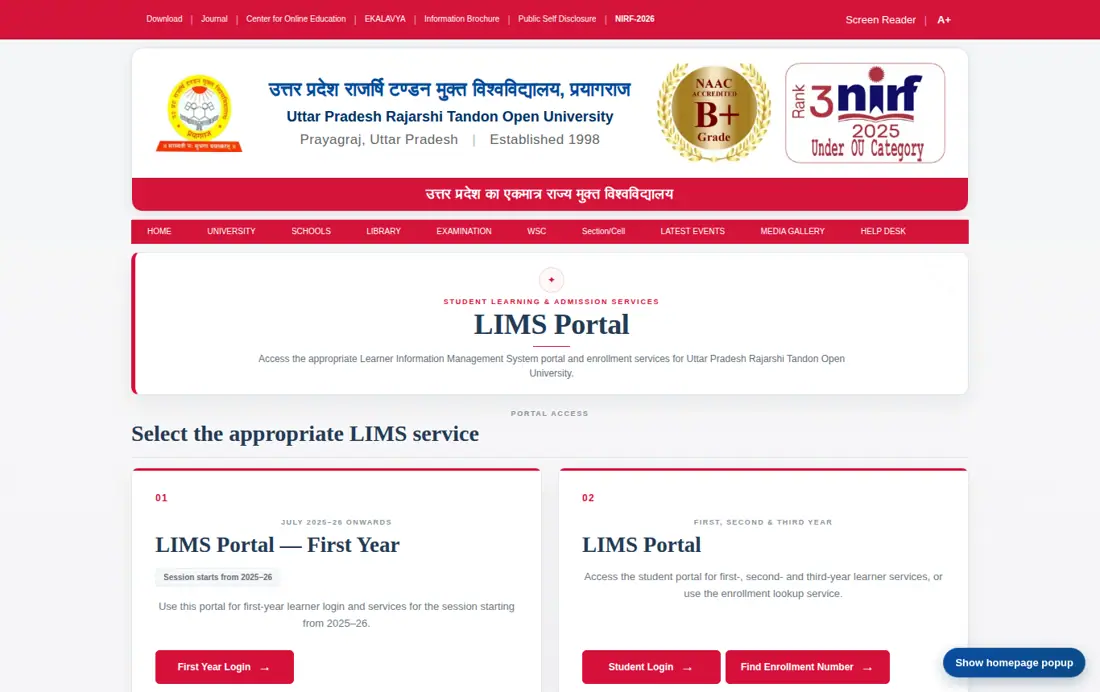
Logging into the UPRTOU Learner Information Management System portal requires entering the student’s User Enrollment number and registered password. Learners access the login form at uprtou.ac.in/lims_front_page.php to sign into their official academic dashboard. After entering valid credentials, students can view their profile, counselling classes, and examination information. If login fails due to forgotten credentials, candidates can click the Reset Password button on the screen to restore account access.
Where can UPRTOU students download Self Learning Material and assignment papers?
Admitted students download Self Learning Material (SLM) and assignment papers directly from the official UPRTOU Student Corner webpage. Learners must visit uprtou.ac.in/student_corner.php and select the corresponding service links for counselling classes, assignment papers, or SLM downloads. These online resources support self-paced distance learning across all enrolled undergraduate, postgraduate, and diploma programmes. If digital course materials are unavailable, students should check their enrollment status or contact their designated study center.
What domain structure is used for the UPRTOU Samarth admission portal?
Higher education admission portals hosted on the Samarth platform use domain URLs ending in institute_short_code.samarth.ac.in or institute_short_code.samarth.edu.in. For UPRTOU, official student admission and password reset forms operate under uprtou.samarth.edu.in and uprtouadm.samarth.edu.in. Students should verify the secure HTTPS connection and domain extension before submitting sensitive personal or academic credentials. If an unverified website appears during login, candidates must exit immediately and return to the official university portal.
How do UPRTOU students register for an Academic Bank of Credits ID through DigiLocker?
Students register for an Academic Bank of Credits ID online by visiting www.abc.digilocker.gov.in and navigating to the student login section. Learners must select Sign up with DigiLocker, enter their active mobile number, and submit the one-time password received via SMS. After entering their set security PIN, the system generates a unique ABC ID on the student dashboard. Learners then provide this ABC ID to UPRTOU to upload their academic credit scores.
Can UPRTOU students enroll in two academic programmes simultaneously?
Yes, UPRTOU students can enroll in two academic programmes simultaneously under regulations issued by the UGC and Distance Education Bureau. Learners must possess a valid DEB ID created on deb.ugc.ac.in, which remains active across their entire study life cycle. The guidelines for dual program admission can be verified directly on the UGC website at ugc.ac.in. If profile details need revision during enrollment, students can update their record at deb.ugc.ac.in/StudentDEBId/UpdateDebDetails.
UPRTOU pages you will need
- Find enrollment number on Samarth portaluprtou.ac.in ↗
- Access student corner and servicesuprtou.ac.in ↗
- Reset portal account passworduprtou.samarth.edu.in ↗
More on News & Updates
- UPRTOU MA Yoga First Year Admission 2026-27: Fee, Eligibility and Application Form
- UPRTOU Ph.D. Admission 2026-27 Form Released: Last Date, Fee and Entrance Schedule
- UPRTOU BLIS Counselling Schedule 2026-27 Released: Check Timings and Venue Details
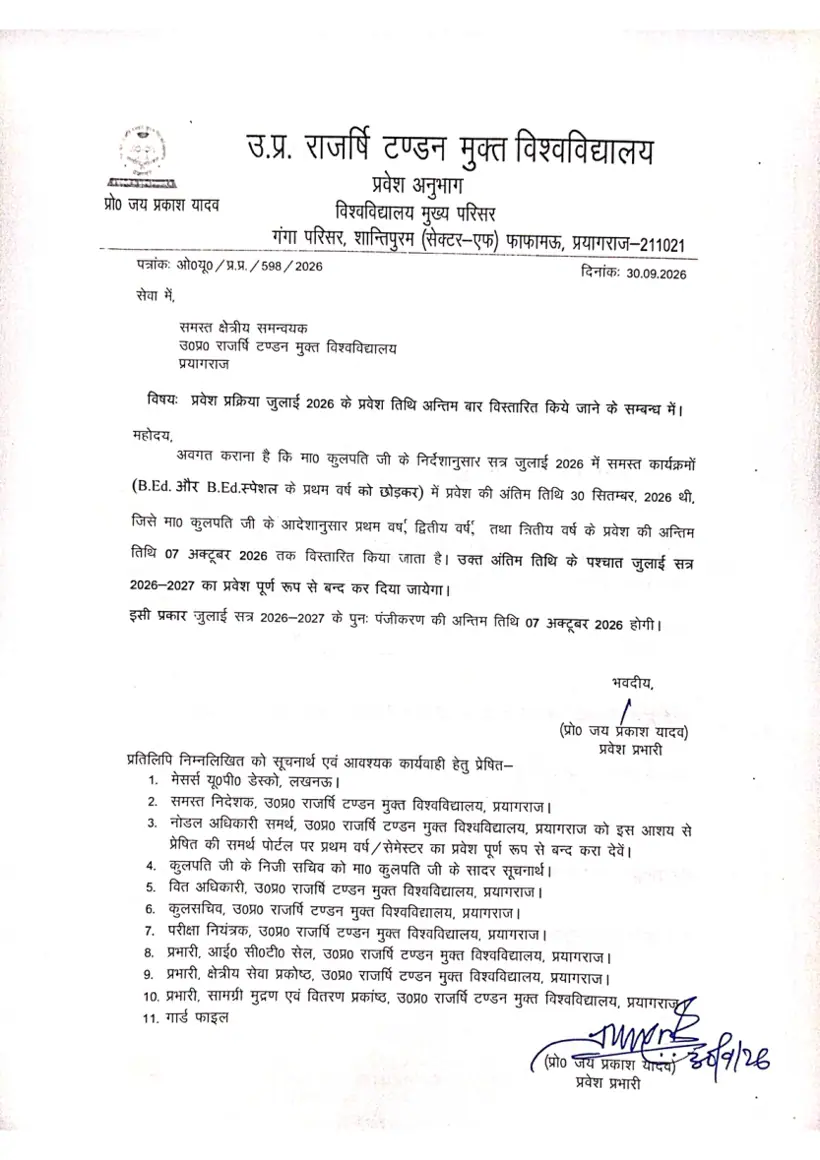
- UPRTOU July 2026 Admission Extended: Revised Last Date 30 September
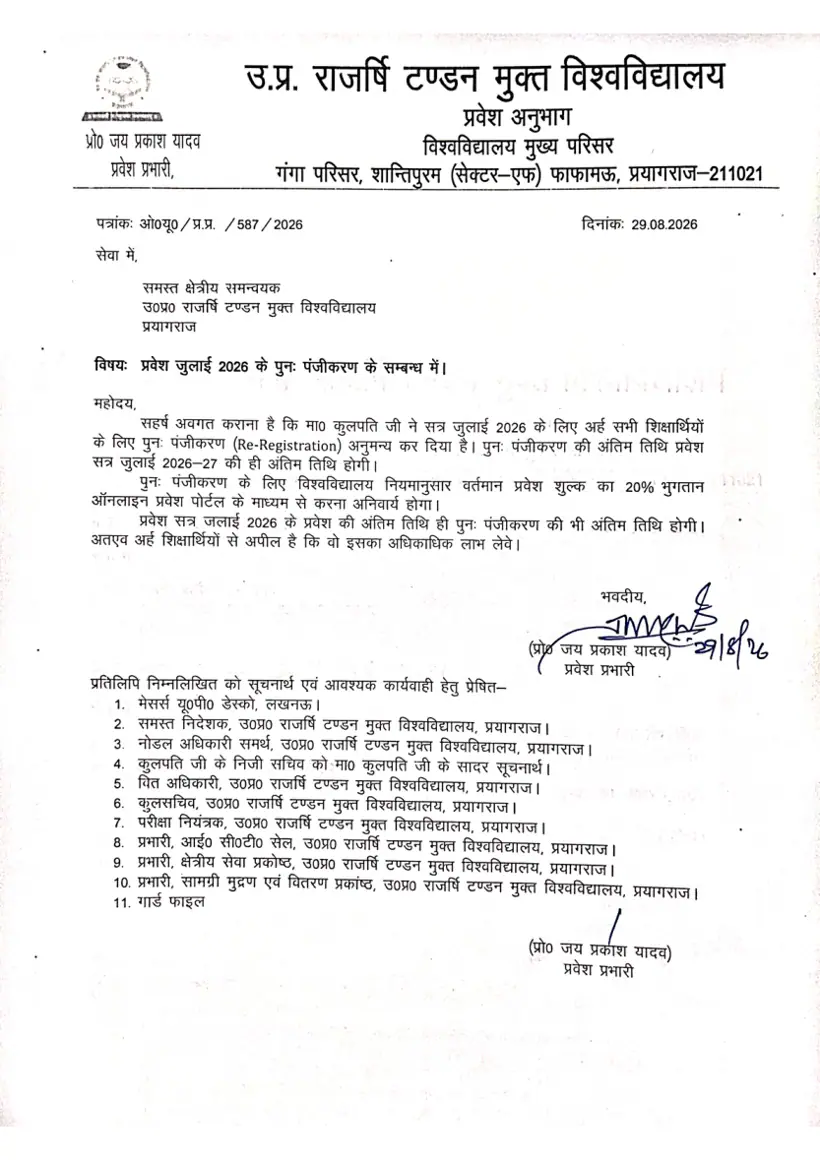
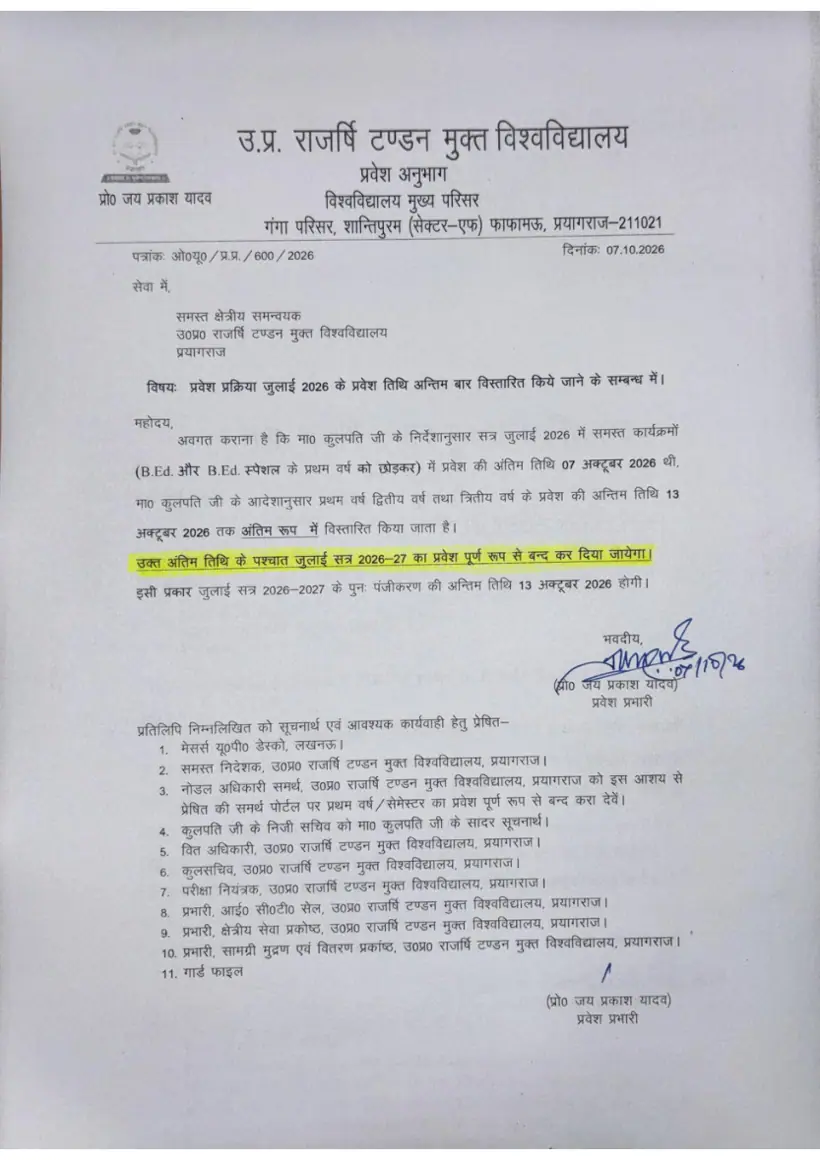
- UPRTOU July 2026 Admission Last Date Extended: Re-Registration Deadline Set to October 13
- UPRTOU Education Counselling Schedule July-Dec 2026 Out: Session Dates and Timetable